
Explore a haircut direction
Compare short, long, straight, curly, braided or fringe styles around your face before a salon visit.
Purpose-built AI tools
Explore the two decisions separately: change the shape and length with the hairstyle tool, or keep the hairstyle and compare color with the hair color tool. This makes results easier to evaluate and discuss.
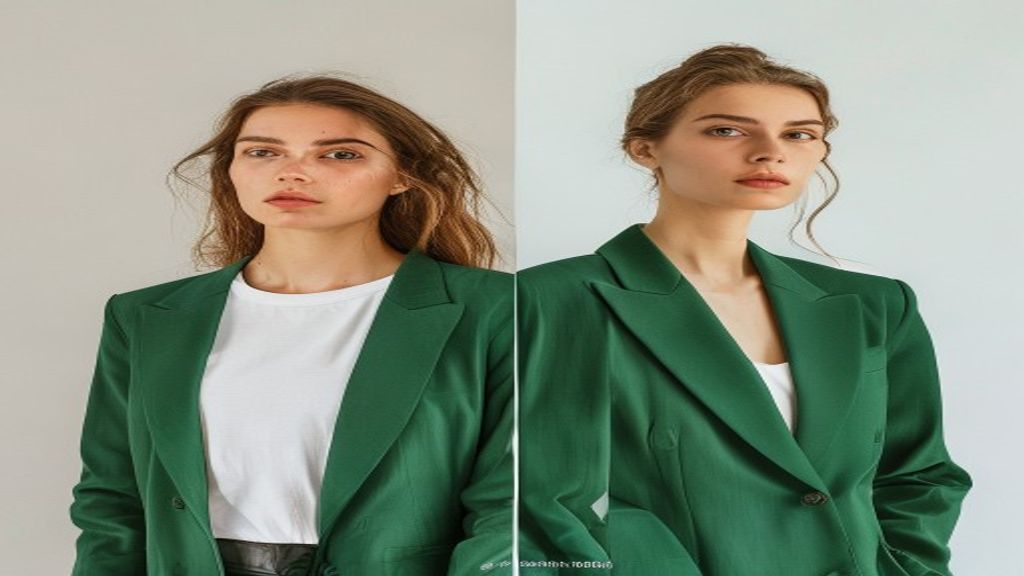
A focused tool is easier to use and produces a clearer result than a generic image prompt.
Compare short, long, straight, curly, braided or fringe styles around your face before a salon visit.
Preview natural shades, vivid colors, balayage or highlights while keeping the current hairstyle shape.
Generate a reference that communicates the direction you like, then discuss what is realistic for your hair with a professional.
Open the workflow that matches your input and intended result. Every generation is private by default.
Choose a structured hairstyle preset, then refine it with one optional note. The edit targets hair while preserving your face, pose, clothes and lighting.
Choose a visual swatch and create a focused recolor edit. Natural shades, bold colors, balayage and highlights are tracked as structured presets.
Use a sharp portrait in neutral light with the full hairline, current hairstyle and hair ends visible. Remove hats and avoid strong color filters so the model has a clear starting point.
Open tool