
See a garment before you buy
Place a top, bottom, dress or complete outfit on your own photo to compare the visual direction before ordering.
Purpose-built AI tools
Use a personal photo when you want to see a garment on yourself, or start with a product image when you need consistent on-model catalog photos. These workflows solve different jobs, so choose by the output you need.
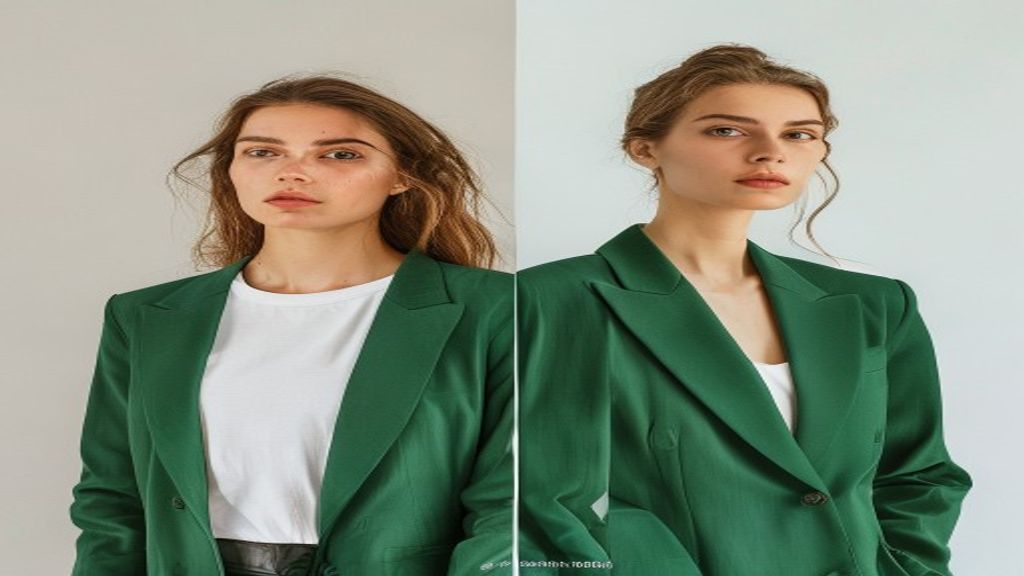
A focused tool is easier to use and produces a clearer result than a generic image prompt.
Place a top, bottom, dress or complete outfit on your own photo to compare the visual direction before ordering.
Keep the person, pose and background while replacing the visible clothing with supplied garment references.
Start from a garment image and generate a consistent set of on-model catalog images for review and download.
Open the workflow that matches your input and intended result. Every generation is private by default.
Give each image a clear role: one person photo and up to eleven garment references. The model creates an outfit visualization while trying to preserve identity, pose and lighting.
Turn one product photo into a ready-to-review set of on-model studio images.
For a personal preview, use a clear front-facing or three-quarter photo with the relevant body area visible, plus clean garment references. For catalog images, use one unobstructed product photo with accurate color and the full garment in frame.
Open tool