
Turn a garment into on-model images
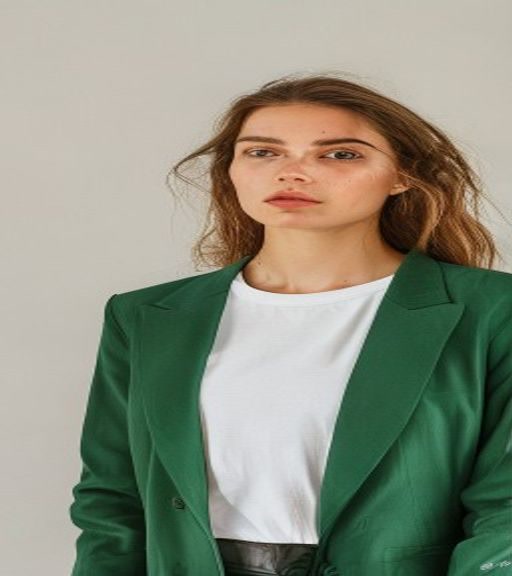
Create studio-style catalog previews from one apparel image without arranging a new photo shoot for every draft.
Purpose-built AI tools
Choose the catalog workflow when consistency and multiple outputs matter, or use the clothes changer when you need a garment preview on a specific person. Both start from clear product references but serve different publishing needs.
A focused tool is easier to use and produces a clearer result than a generic image prompt.
Create studio-style catalog previews from one apparel image without arranging a new photo shoot for every draft.
Generate multiple outputs with the same model, framing and scene so a product listing is easier to review.
Use the clothes changer when the person is fixed and the goal is to compare supplied garments on that photo.
Open the workflow that matches your input and intended result. Every generation is private by default.
Turn one product photo into a ready-to-review set of on-model studio images.
Give each image a clear role: one person photo and up to eleven garment references. The model creates an outfit visualization while trying to preserve identity, pose and lighting.
Use a sharp garment photo with the full item visible, neutral lighting and minimal obstruction. Check generated logos, seams, texture and color against the real product before publishing any image.
Open tool