
Catalog studio
Create a consistent apparel image set
Turn one product photo into a ready-to-review set of on-model studio images.
Output set
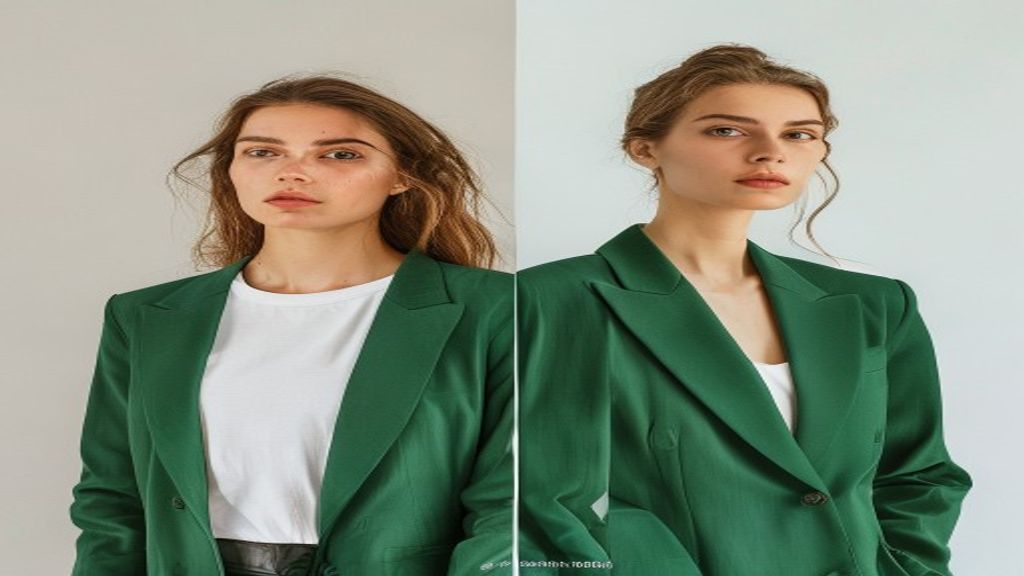
Your image set will appear here
Generated images keep a stable layout while each output is processed.
From product photo to catalog set
01
Upload your product
Add one clear apparel image in JPG, PNG, WebP or AVIF format.
02
Set the output
Choose the catalog ratio and generate two, four or eight upper-body images.
03
Review and download
Follow each output independently and download completed images as they become available.